Move-out inspections

Settle deposits with evidence, not arguments.

Walk through a property, document every room with photos, and generate a professional damage report with cost estimates — in minutes.

Free to start. No card required.

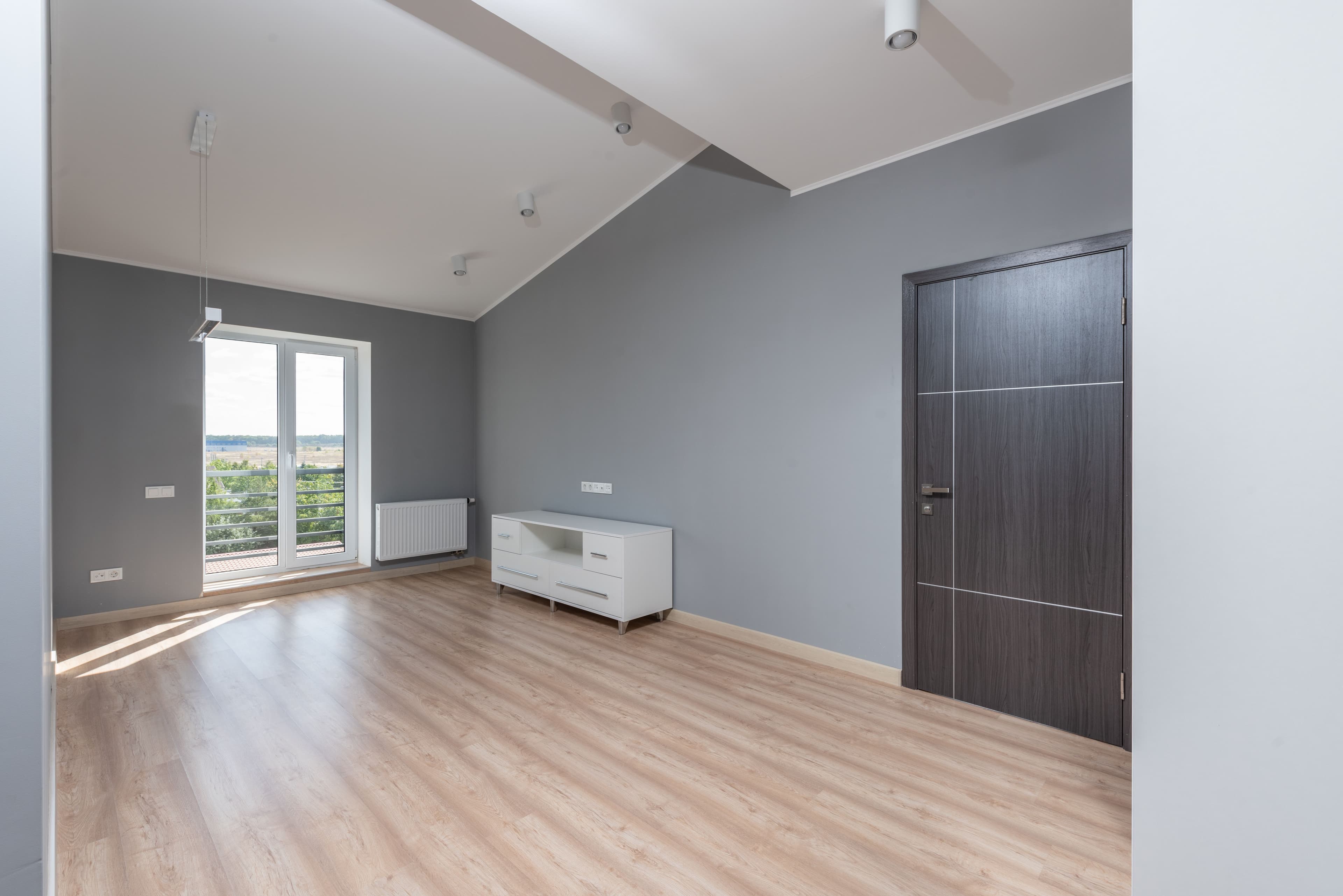
Living room

Move-out walkthrough

Reviewed
Move-inLiving room at move-in
TodayLiving room at move-out
Scratch on floor · $50
Unpatched hole in wall · $35
Scuff on wall · $25

Three small issues flagged at move-out — each with a fair repair estimate. Normal wear is set aside automatically.

Of a $1,500 depositWithheld $110
$1,390 returned
$110
How it works

Four simple steps, just your phone.

No special equipment, no training. If you can take a photo, you can run an inspection.

1

Set up your inspection

Enter the property address, tenant name, move-out date, and deposit amount. Under two minutes.

2

Photograph each room

Walk through room by room. Upload before and after photos right from your phone, and add notes as you go.

3

Let the analysis run

It compares your photos, describes each issue, and estimates repair costs. You review and adjust anything.

4

Send the signed report

Collect digital signatures from both parties and email a clean PDF straight to your tenant.

What you get

Everything you need to protect the deposit.

Built for property managers and independent landlords handling move-out inspections.

Photo documentation

Capture before and after photos room by room, so the condition at move-out is never a matter of memory.

Damage analysis

Photos get compared automatically to flag holes, stains, scratches, and broken fixtures, with cost estimates at current rates.

Professional PDF reports

A formatted report with property info, per-room summaries, itemized costs, and both signatures. Ready to file or present in court.

Digital signatures

Both manager and tenant sign digitally. Signatures are timestamped and stored, giving you a documented record of the move-out condition.

Wear and tear vs. damage

Mark items as normal wear so they stay out of deductions. Keep a clear, defensible record of what is fairly chargeable.

Property and tenant history

Keep every property and inspection in one place. Track history, total deductions over time, and revisit past reports anytime.

Questions

Frequently asked questions

How does the damage analysis work?
You upload before and after photos for each room. The two sets of photos are compared to identify what changed, and each issue is categorized by type (hole, stain, scratch, etc.) and severity. A cost estimate is then generated based on typical repair rates.
Is the inspection report legally valid?
The report is a timestamped, photo-documented record of the property's condition at move-out, signed by both the property manager and tenant. Most states require landlords to provide written notice of deductions with supporting documentation — this report satisfies that requirement. We recommend consulting a local attorney if you have questions about your specific state's security deposit laws.
What's the difference between damage and normal wear and tear?
Normal wear and tear refers to the gradual deterioration that occurs from ordinary, everyday use — things like minor scuffs on walls, small nail holes, or carpet wearing thin over time. Damage is deterioration caused by misuse, negligence, or accidents. Clearview lets you mark each item as either chargeable damage or normal wear and tear, keeping your deductions legally defensible.
Can tenants access and sign the report?
Yes. Once the inspection is complete, you can share the report with your tenant so they can review the findings and add their digital signature. The final signed PDF is emailed directly to the tenant's inbox.
How long does a move-out inspection take?
Most inspections take 15–30 minutes to photograph and document on-site. The AI analyzes your photos in about 30 seconds per room. You can review and finalize the report the same day, then send it to your tenant immediately.
Does this work for any type of rental property?
Yes — Clearview works for single-family homes, apartments, condos, multi-unit buildings, and commercial rentals. You can manage multiple properties and tenants from a single account.
How do digital signatures work?
Both the property manager and the tenant can sign the inspection report directly in the browser — no app download required. Signatures are timestamped and stored securely. The signed report is available as a PDF at any time.
What is a deposit accounting statement?
A deposit accounting statement is a formal, itemized breakdown of how the security deposit was applied — what was deducted and why, and how much (if anything) is being returned to the tenant. Most states legally require landlords to provide one within a set number of days after move-out. Clearview generates this automatically.
Can I adjust the AI cost estimates?
Yes. Every cost estimate generated by the AI can be overridden. You can enter the actual cost, apply betterment adjustments for depreciation, or mark items as normal wear and tear. You're always in control of the final numbers.
How much does it cost?
Clearview is free to get started. Create an account and run your first inspection at no cost.

Ready to protect your deposit?

Join property managers who use Clearview to document move-out conditions, reduce disputes, and get paid faster.

Get started free
Clearview Security Deposits — Move-Out Inspections, Done Right.